New user guide
How to use Forest Panda
Forest Panda is sentence practice: choose a language, start at the right level, then work through listening, typing, and dictation while FSRS schedules reviews for the right day.
1. Create an account and choose a language
The free plan lets you choose one language, learn up to five new cards per day, review without a cap, and generate one downloadable listening session. You can change the free language until you start practicing it.
Create a free account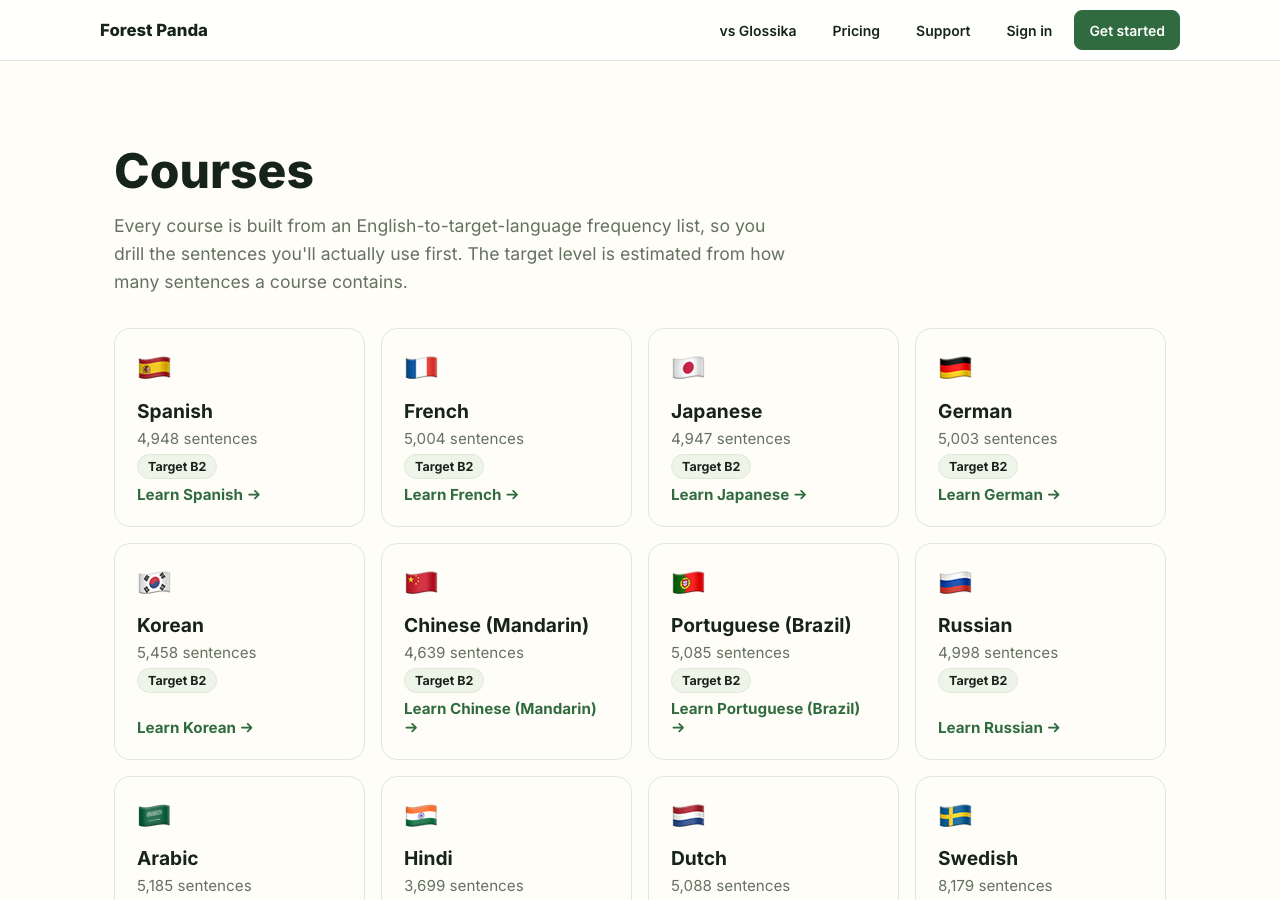
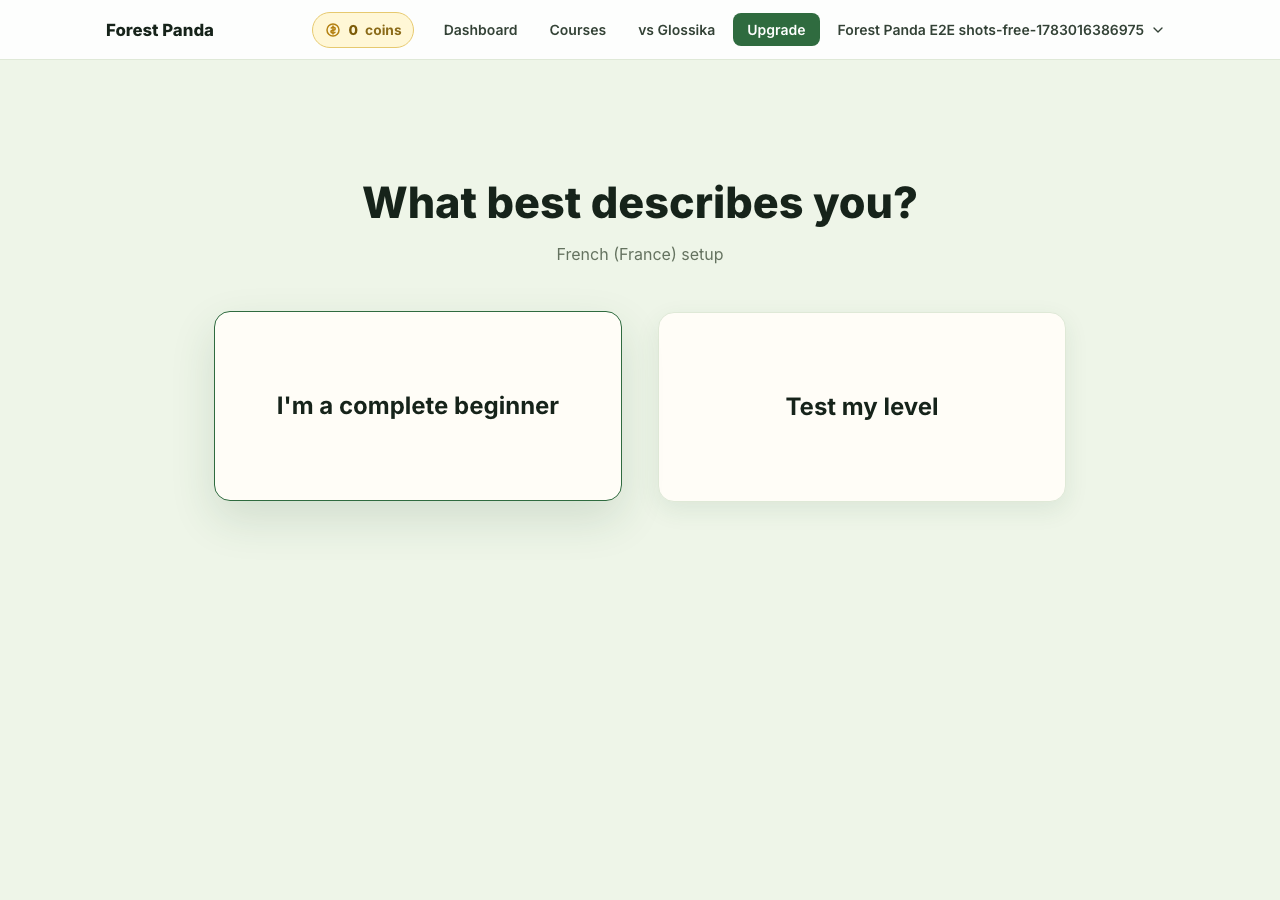
2. Pick your starting point
If you are a complete beginner, start from the beginning. If you already know some of the language, take the placement test. You can also retest later from the dashboard.
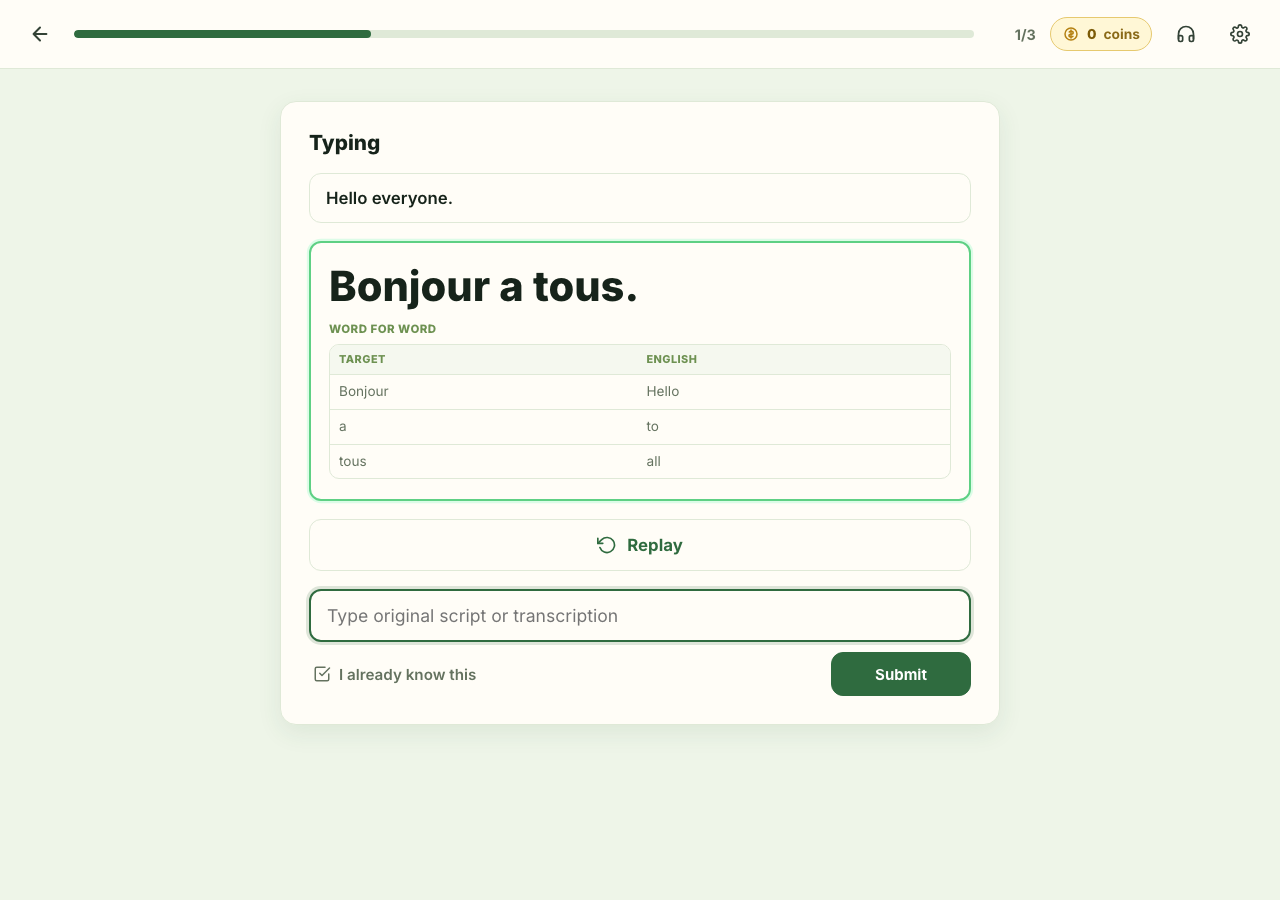
3. Practice the daily queue
A full practice session starts with listening, then asks you to type the sentence and take dictation. When your answer differs, Forest Panda shows the difference and lets you decide whether it should count as good or fail.
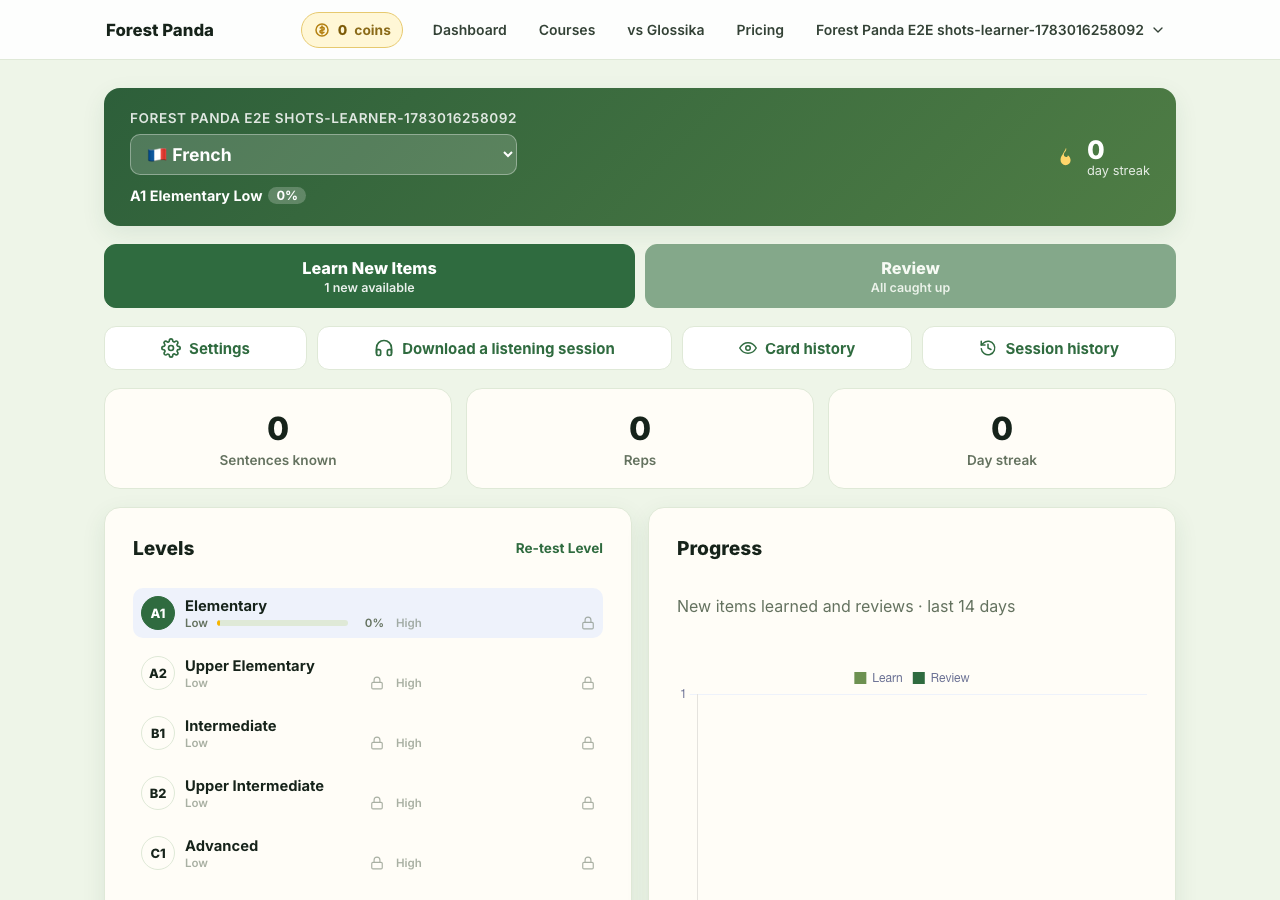
4. Review when cards are due
Reviews are unlimited. Forest Panda uses FSRS to bring back the sentences you are most likely to forget. The All languages plan unlocks every language, up to 30 new cards per day, and unlimited generated offline sessions.
Learn about offline sessions