01
Test the online studio
Visit the studio link beforehand and make sure it works smoothly on your device. Check that your camera, microphone, and earphones are selected correctly.
You don’t need fancy camera equipment. A few simple choices will make your online interview feel smooth, clear, and professional.
The microphone built into your webcam or computer often sounds distant, echoey, or muffled. Video quality matters less than clear audio, so use earphones or headphones with a microphone close to your mouth.
AirPods are fine. Any wired or wireless earphones or headphones with an included microphone are a great choice—you do not need a separate microphone.
Visit the studio link beforehand and make sure it works smoothly on your device. Check that your camera, microphone, and earphones are selected correctly.
Place a lamp or window in front of you so your face is well-lit. Soft, even light is more flattering and easier for the camera to capture.
Try not to sit with a window or another bright light directly behind you. Most cameras struggle with backlighting and may leave your face in shadow.
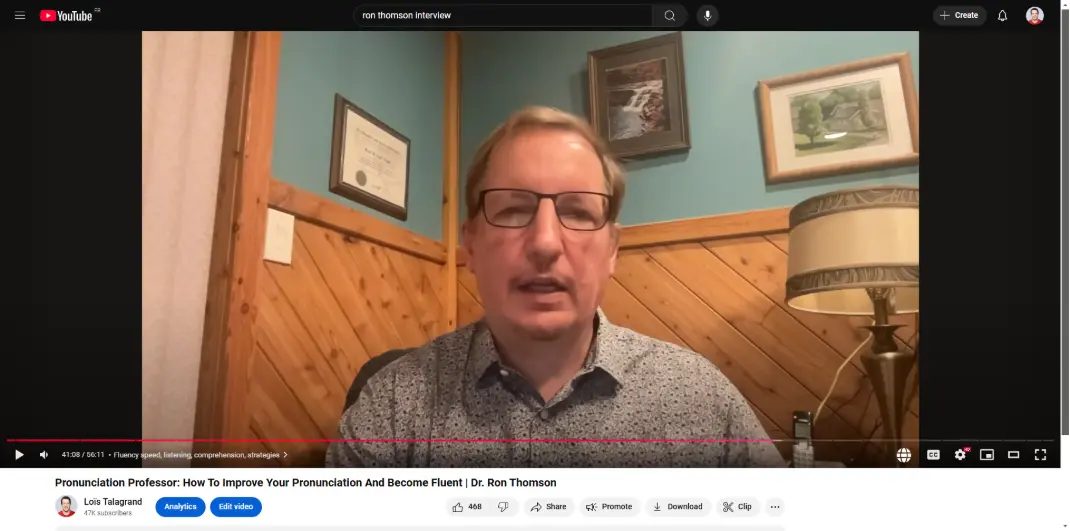
Position yourself neither too close nor too far from the camera. Aim for a comfortable head-and-shoulders frame with a little space above your head.
You don’t need fancy camera equipment. A few simple choices will make your online interview feel smooth, clear, and professional.
The microphone built into your webcam or computer often sounds distant, echoey, or muffled. Video quality matters less than clear audio, so use earphones or headphones with a microphone close to your mouth.
AirPods are fine. Any wired or wireless earphones or headphones with an included microphone are a great choice—you do not need a separate microphone.
Visit the studio link beforehand and make sure it works smoothly on your device. Check that your camera, microphone, and earphones are selected correctly.
Place a lamp or window in front of you so your face is well-lit. Soft, even light is more flattering and easier for the camera to capture.
Try not to sit with a window or another bright light directly behind you. Most cameras struggle with backlighting and may leave your face in shadow.
Position yourself neither too close nor too far from the camera. Aim for a comfortable head-and-shoulders frame with a little space above your head.