Hands-free practice
Practice Forest Panda without typing
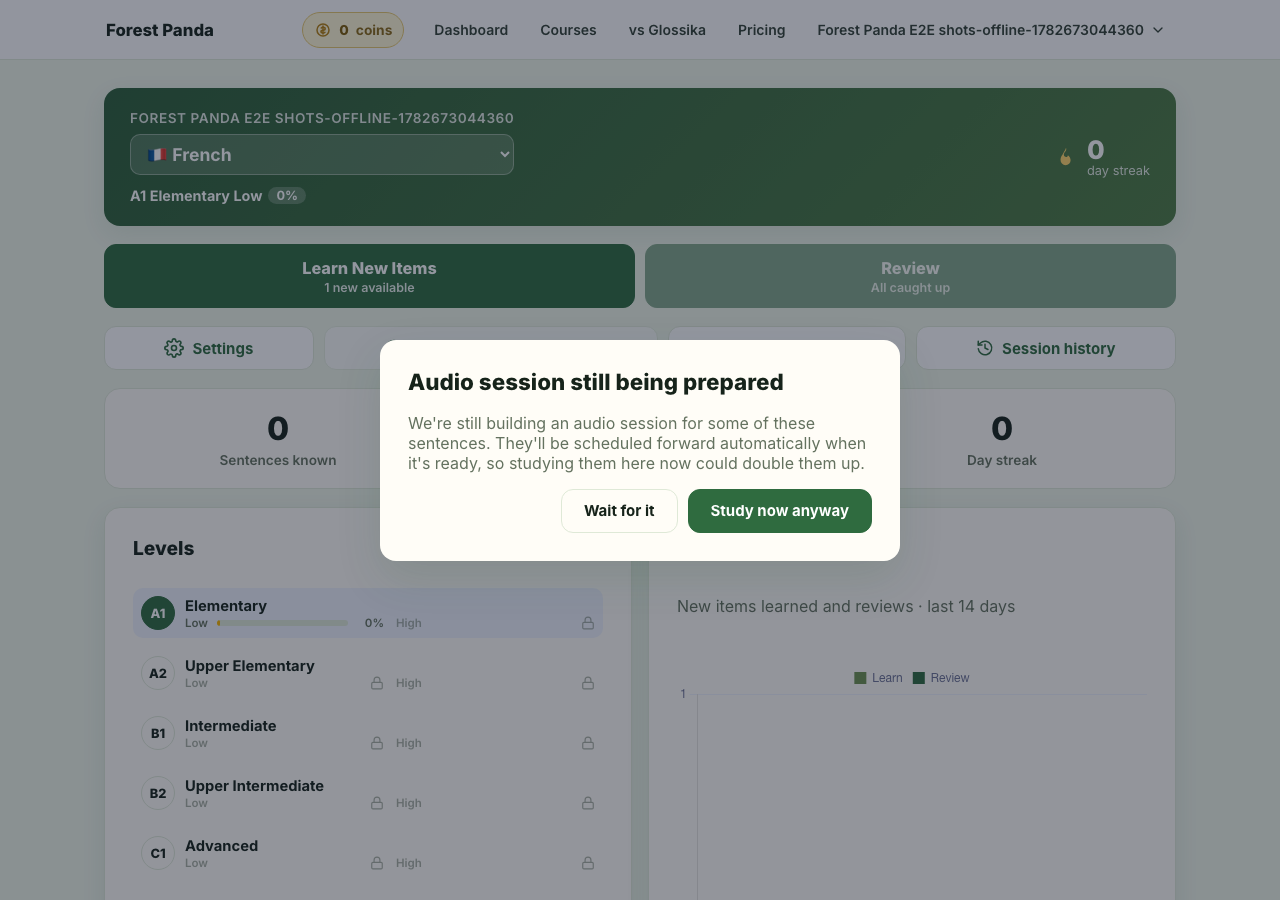
Listening-only mode turns the same sentence queue into an audio trainer. You hear the English first, then the target sentence twice, so you can repeat out loud while walking, commuting, cooking, or doing the dishes.
1. Switch a live session to listening-only
Inside a study session, tap the headphones button. Forest Panda stops asking for typing and dictation, then plays each card as an audio repetition drill. The app still advances the same spaced-repetition schedule, so hands-free practice counts.
Start free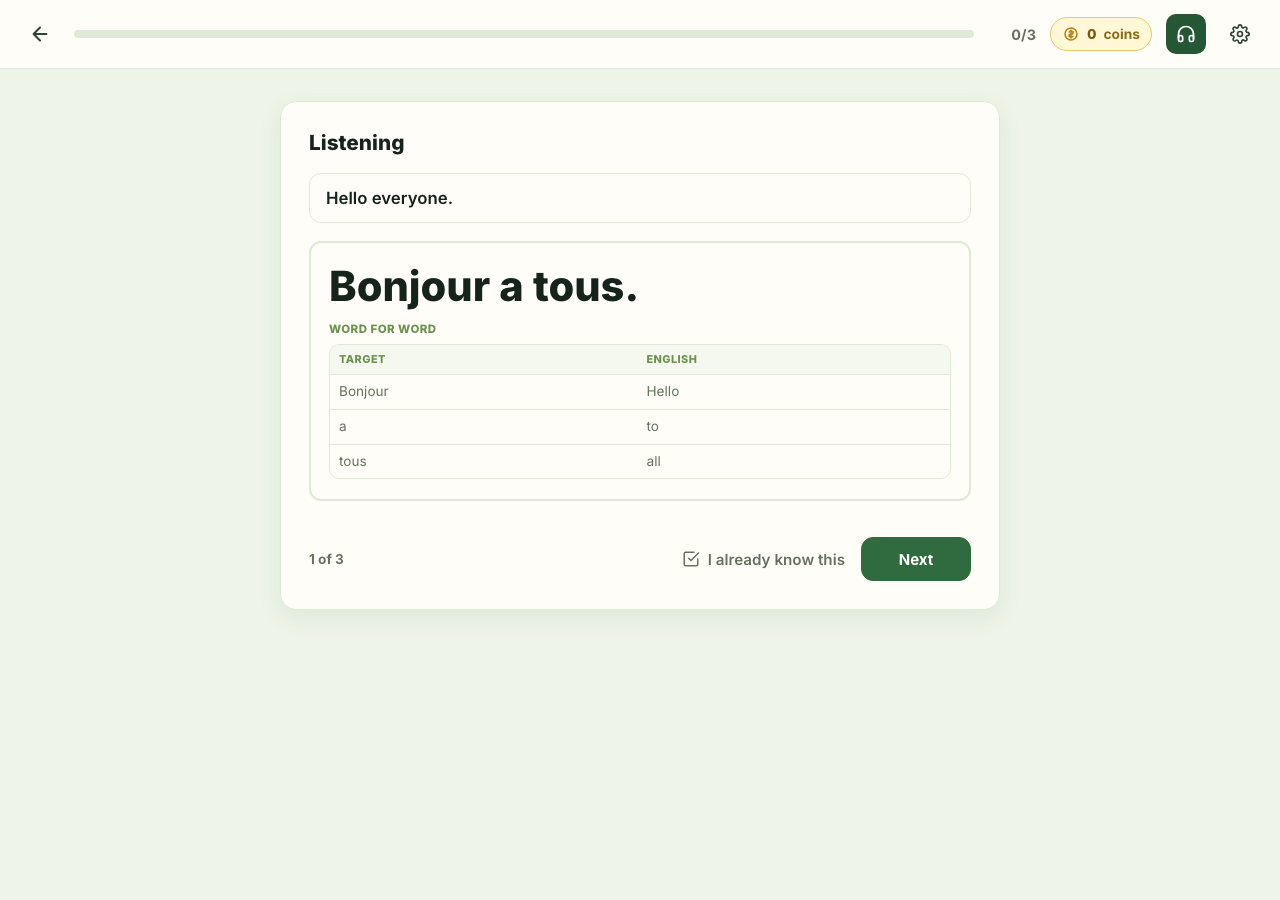
2. Download a listening session
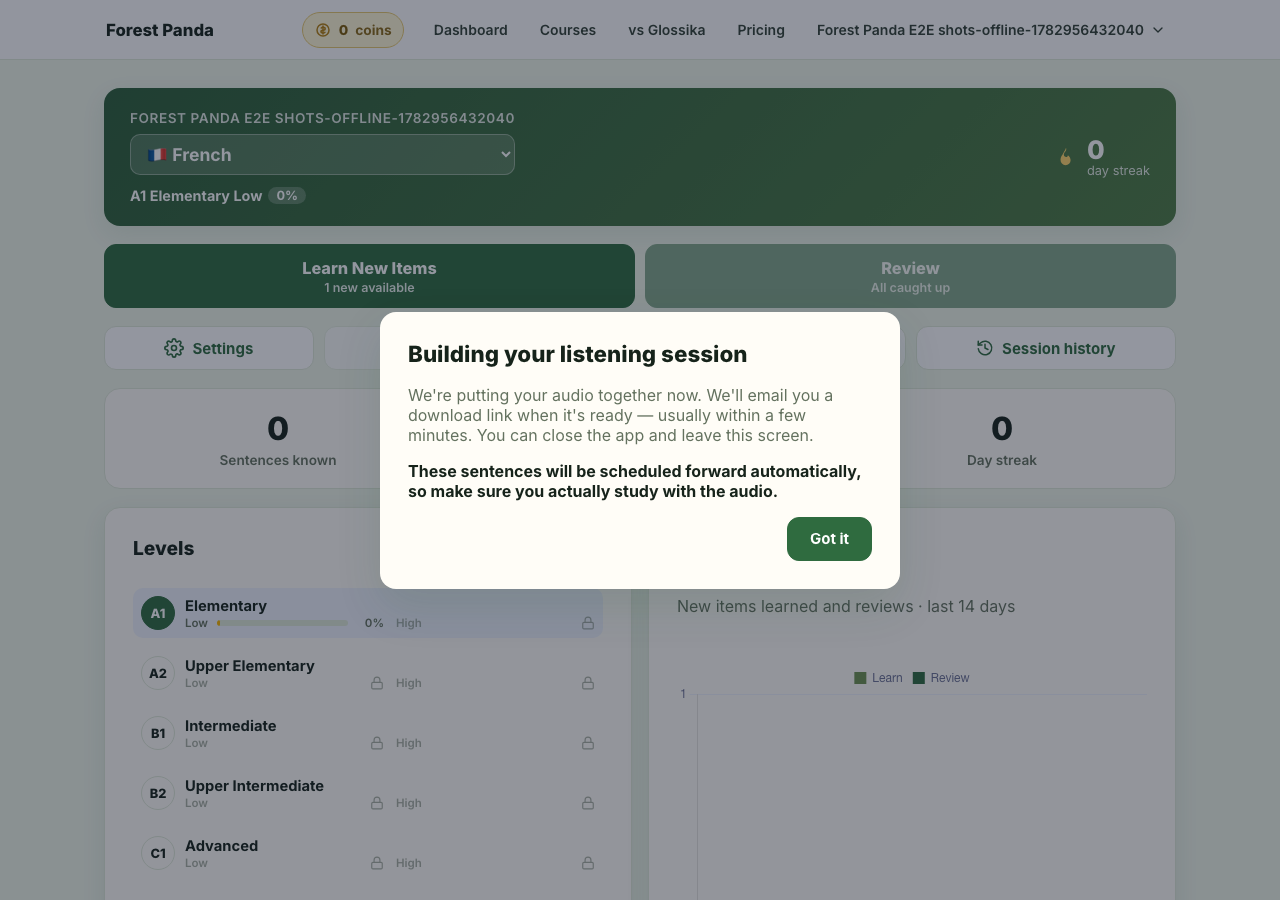
From the dashboard, use Download a listening session. Forest Panda builds one audio file from your current queue: English prompt, target sentence, pause, and repetition. The cards are scheduled forward automatically when the file is ready, so you do not need to review them twice.
3. Get the link by email
You can leave the app while the audio is being prepared. When the file is ready, Forest Panda emails a private download link to your account email address. Those sentences are scheduled forward automatically when the file is ready, so the learner should actually study with the emailed audio.